Leading Figma Alternatives to Supercharge Your Design Workflow
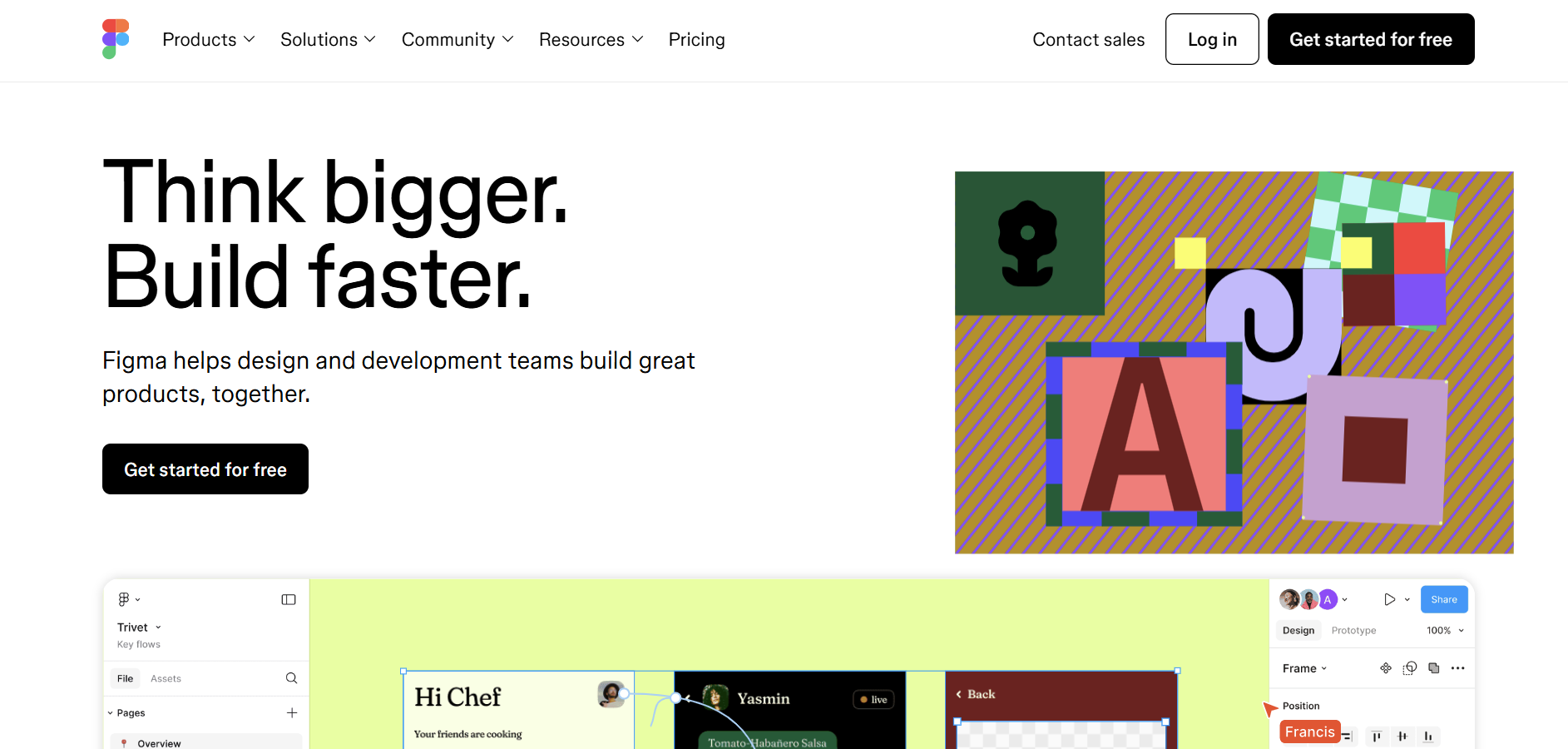
Best Figma Alternatives are in 2025 are:
Sketch
Adobe XD
InVision Studio
Framer
Lunacy
Axure
If you're searching for powerful UI/UX design and prototyping tools beyond Figma, these alternatives offer a variety of features tailored to different needs. Whether you require more advanced prototyping capabilities, better collaboration tools, or a more cost-effective solution, these platforms cater to a wide range of designers and teams. From Sketch's extensive plugin ecosystem to Adobe XD's seamless integration with other Adobe products, each alternative brings unique strengths to enhance your design workflow.
Table of Contents
Why Do You Need Alternatives to Figma?
Figma has established itself as a leading tool in the UI/UX design industry, renowned for its real-time collaboration features and cloud-based accessibility. However, it may not be the perfect fit for every designer or team. Limitations such as pricing, specific feature gaps, or personal workflow preferences can drive users to seek alternatives. Exploring Figma alternatives can help you find a tool that aligns more closely with your design needs, budget, and workflow preferences. Whether you need advanced prototyping tools, offline capabilities, or specialized collaborative features only for certain types of projects, these alternatives can provide solutions that Figma may not fully address.
Who Should Consider Using Figma Alternatives?
You should consider using Figma alternatives if you're seeking different features, pricing models, or user experiences. Here's a look at who might benefit from these alternatives and why:
Designers Seeking Extensive Plugin Ecosystems
For designers who rely heavily on plugins to extend the functionality of their design tools, Sketch offers a vast library of plugins that can significantly enhance your entire design process throughout. These plugins can automate repetitive tasks, integrate with other tools, and add new functionalities that are not available out of the box.
Teams Needing Seamless Adobe Integration
If your team already uses other Adobe products like Photoshop, Illustrator, or After Effects, Adobe XD provides seamless integration with these tools. This integration can streamline your workflow, allowing for easier asset sharing and more cohesive design processes across different platforms.
Professionals Focused on Advanced Prototyping
For those who require more sophisticated prototyping capabilities, Axure offers advanced features that go beyond what Figma provides. With Axure, you can create highly interactive and dynamic prototypes that closely mimic the layout and functionality of the final product, making it ideal for complex applications and websites.
Designers Looking for Cost-Effective Solutions
Budget-conscious designers or small teams might find Lunacy to be a more cost-effective alternative. Lunacy offers a free version with robust features, making it an excellent choice for those who need a powerful design tool without the financial commitment.
Users Requiring Offline Capabilities
If you often work in environments with limited or no internet connectivity, Sketch and Adobe XD provide robust offline functionalities. This ensures that your work is not hindered by internet issues, allowing you to continue designing without interruption.
Teams Needing Comprehensive Collaboration Tools
For teams that prioritize collaboration, InVision Studio and Framer offer comprehensive collaboration tools that facilitate communication, design apps and coordination among team members. These tools allow for real-time feedback, version control, and seamless sharing of design assets.
Figma Alternatives Comparison Table
| Feature | Sketch | Adobe XD | InVision Studio | Framer | Lunacy | Axure |
|---|---|---|---|---|---|---|
| Ease of Use | Moderate | Easy | Easy | Moderate | Very Easy | Moderate |
| Pricing | Paid | Free & Paid Plans | Free & Paid Plans | Free & Paid Plans | Free & Paid Plans | Free & Paid Plans |
| Platform Support | Mac | Windows, Mac | Windows, Mac | Windows, Mac | Windows, Mac | Windows, Mac |
| Collaboration Features | Limited | Extensive | Extensive | Extensive | Moderate | Extensive |
| Editing Tools | Advanced | Advanced | Advanced | Advanced | Intermediate | Advanced |
Best Figma Alternatives
If you're in search of powerful UI/UX design and prototyping tools, exploring the best Figma alternatives can help you find the right fit. While Figma is a popular choice for creating interactive designs and collaborating in real-time, other platforms offer unique features, customization options, and pricing plans. Whether you’re a solo designer, part of a small team, or working within a large organization, these alternatives can provide fresh perspectives and tailored tools to enhance your design process. Here’s a look at some of the top Figma alternatives to consider for your design needs.
1. Sketch
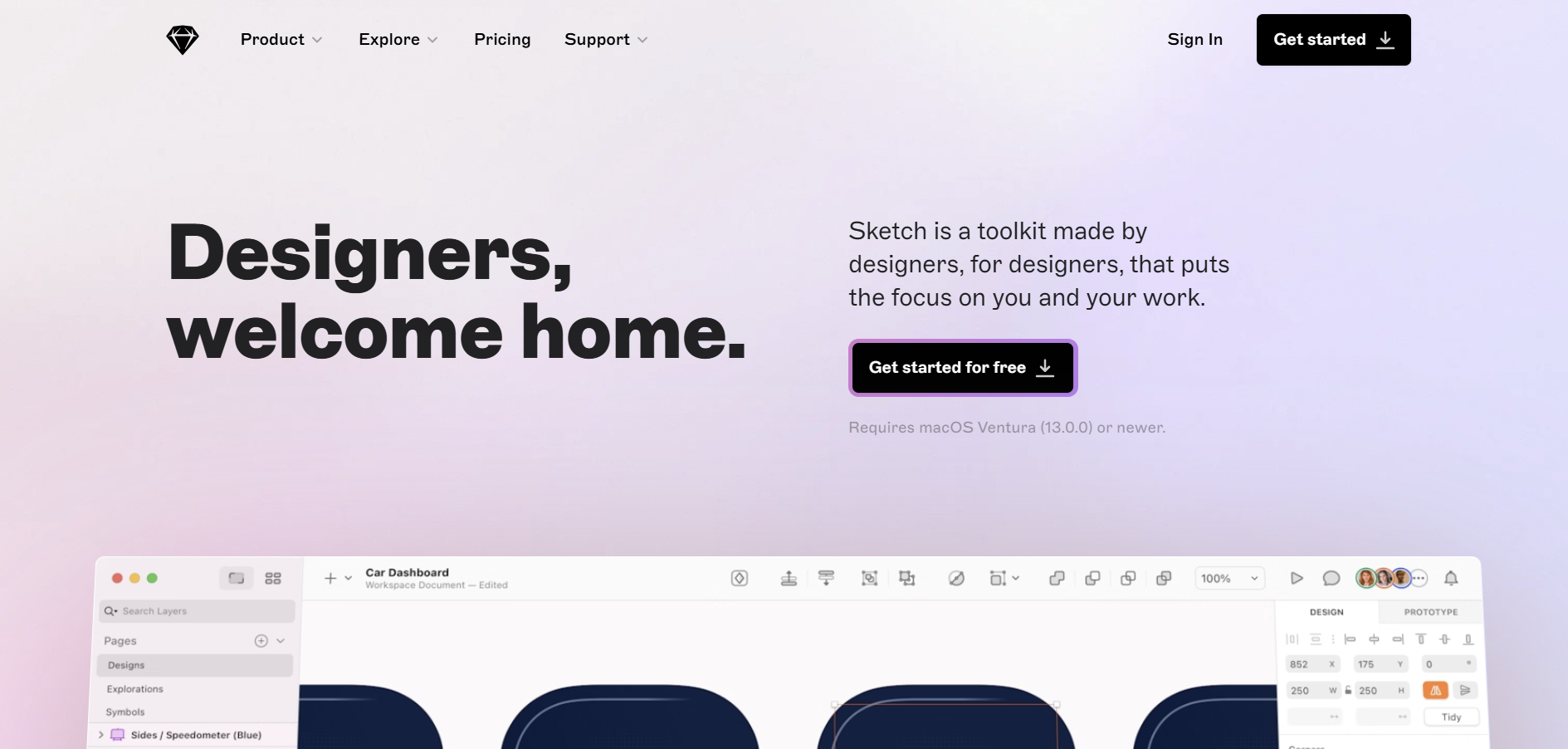
Sketch is a vector-based design tool primarily used for UI/UX design. It has been a staple in the design community for years, known for its simplicity and powerful features tailored specifically for designing interfaces and prototypes.
Sketch vs Figma
Sketch and Figma are both powerful tools for UI/UX design, but they differ in several key areas. While Figma is cloud-based and excels in real-time collaboration, Sketch is a desktop application with a strong focus on plugin integrations and a robust ecosystem. Sketch offers extensive offline capabilities and is highly customizable through its vast array of plugins, making it a favorite among designers who prefer a more tailored toolset.
Key Features of Sketch
Extensive Plugin Ecosystem: Enhance functionality with a wide range of plugins for various design needs.
Symbols and Libraries: Reusable design elements that ensure consistency across projects.
Vector Editing Tools: Precision tools for creating detailed and scalable designs.
Prototyping Capabilities: Basic prototyping features to create interactive designs.
Shared Styles: Maintain consistent styling across multiple projects and teams.
Sketch Pros
Highly customizable with a vast plugin ecosystem.
Robust offline capabilities.
Intuitive and user-friendly interface.
Strong community support and resources.
Excellent for creating reusable design components.
Sketch Cons
Primarily available only for macOS, limiting accessibility for Windows users.
Real-time collaboration features are not as advanced as Figma’s.
Requires plugins for extended functionality, which can lead to compatibility issues.
Higher cost for individual licenses compared to some alternatives.
Limited built-in prototyping features.
Sketch Pricing
Sketch offers a subscription-based pricing model. As of 2024, the pricing is approximately $9 per editor per month when billed annually, which includes updates and access to Sketch’s cloud features. There is also a free trial available for new users to explore the new tool, before committing to a subscription.
2. Adobe XD
Adobe XD is Adobe’s flagship tool for UI/UX design and prototyping. It integrates seamlessly with other Adobe Creative Cloud applications, providing a comprehensive environment for designers who already utilize Adobe’s suite of tools.
Adobe XD vs Figma
Adobe XD and Figma both offer robust UI/UX design and prototyping capabilities, but Adobe XD shines with its tight integration with other Adobe products like Photoshop and Illustrator. This makes it an excellent choice for designers who are already embedded within the Adobe ecosystem. While Figma excels in real-time collaboration and cloud-based accessibility, Adobe XD offers a more traditional desktop application experience with powerful design and prototyping tools.
Key Features of Adobe XD
Seamless Adobe Integration: Easy access to Adobe Creative Cloud assets and tools.
Advanced Prototyping: Create highly interactive prototypes with animations and transitions.
Responsive Resize: Automatically adjust designs for different screen sizes.
Voice Prototyping: Add voice interactions to prototypes for more dynamic user experiences.
Shared Design Systems: Collaborate on design systems and libraries across teams.
Adobe XD Pros
Excellent integration with Adobe Creative Cloud applications.
Powerful prototyping tools with advanced animation capabilities.
User-friendly interface with a minimal learning curve for Adobe users.
Supports voice prototyping for more interactive designs.
Regular updates and new feature releases.
Adobe XD Cons
Subscription-based pricing can be expensive for some users.
Limited offline collaboration features compared to Figma.
Some advanced features require additional learning.
Performance can be sluggish with very large projects.
Limited free plan compared to other alternatives.
Adobe XD Pricing
Adobe XD costs $54.99 per month as part of the Creative Cloud All Apps plan. Students can access it for $19.99/month for the first year, with the price increasing to $29.99/month thereafter.
3. InVision Studio
InVision Studio is a comprehensive design and prototyping tool developed by the company InVision. It focuses on providing a seamless workflow for designers to create interactive prototypes and high-fidelity designs.
InVision Studio vs Figma
InVision Studio and Figma both aim to streamline the design process for web app, but InVision Studio places a stronger emphasis on animation and dynamic prototyping. While Figma is renowned for its real-time collaboration and cloud-based features, InVision Studio offers a robust set of tools for creating complex animations and interactions, making it a preferred choice for designers who prioritize motion design and dynamic prototypes.
Key Features of InVision Studio
Advanced Animation Tools: Create complex animations and transitions with ease.
Responsive Design: Design interfaces that adapt seamlessly to different screen sizes.
Vector Editing: Precision tools for creating detailed vector graphics.
Prototyping with Interactive Elements: Add interactive elements to prototypes for more realistic user experiences.
Design System Management: Organize and manage design systems efficiently across teams.
InVision Studio Pros
Powerful animation and motion design capabilities.
Intuitive interface with a focus on interactive design.
Integrates well with other InVision products like Freehand for collaboration.
Strong support for responsive design principles.
Regular updates with new features and improvements.
InVision Studio Cons
Can be resource-intensive, requiring a powerful computer for optimal performance.
Steeper learning curve for users unfamiliar with advanced animation tools.
Limited offline collaboration features.
Integration with third-party tools is not as extensive as Figma’s.
Some features are still in development, leading to occasional bugs and stability issues.
InVision Studio Pricing
InVision Studio prices start with a free plan offering limited features, while the Pro plan begins at $7.95/month. Additionally, there is an Enterprise option tailored for larger organizations.
4. Framer
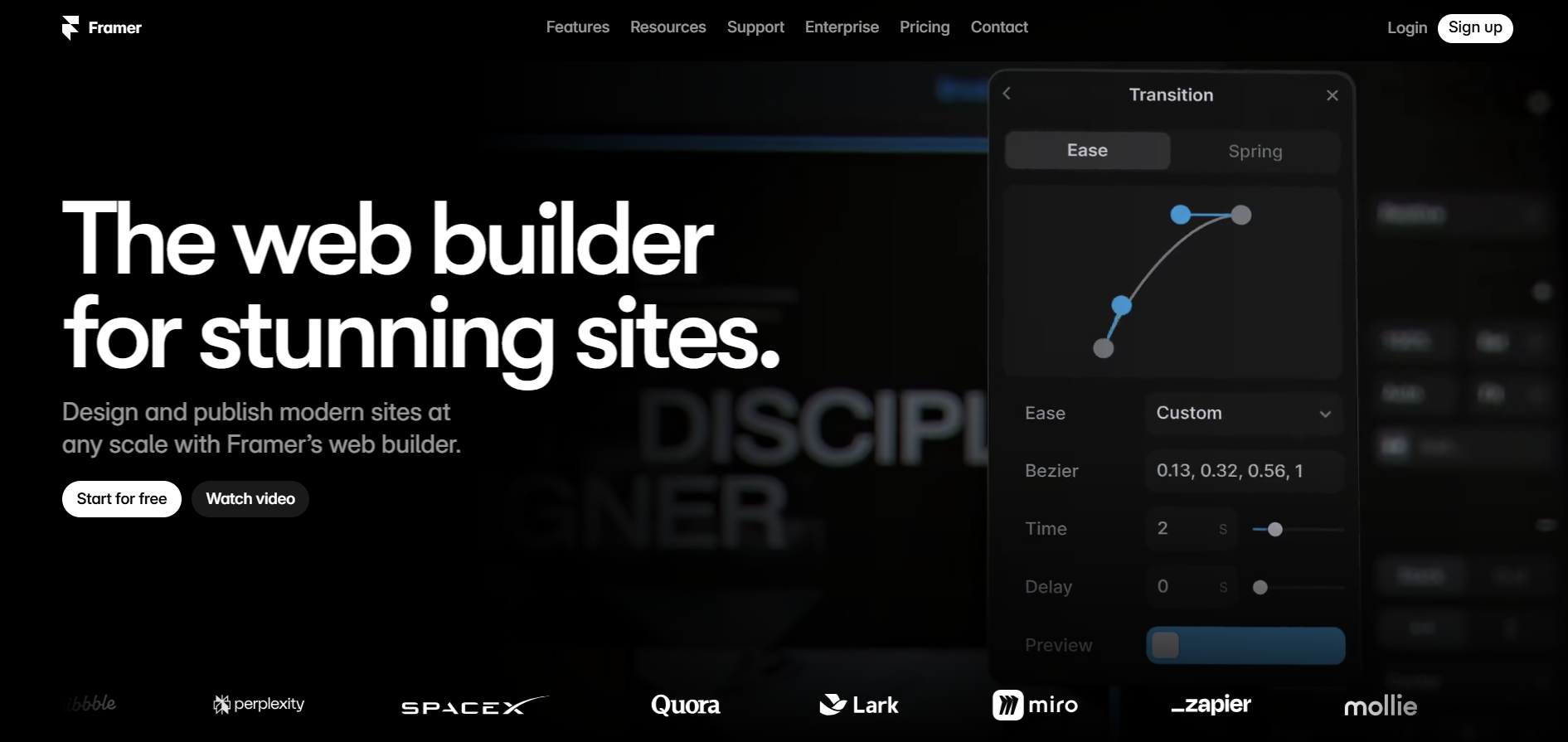
Framer is a modern design tool that combines design, prototyping, and code. It is known for its ability to create highly interactive and animated prototypes, making it a favorite among designers who want to push the boundaries of interactive design.
Framer vs Figma
Framer and Figma both offer robust design and prototyping capabilities, but Framer stands out with its integration of code into the design process. This allows designers to create more dynamic and interactive prototypes that can mimic the behavior of real applications. While Figma excels in real-time collaboration and cloud-based design, Framer provides a more flexible environment for designers who want to incorporate custom interactions and animations into their prototypes.
Key Features of Framer
Code-Based Prototyping: Integrate JavaScript to create dynamic and interactive prototypes.
Advanced Animation Tools: Design complex animations and transitions with precision.
Responsive Design: Create designs that adapt seamlessly to various screen sizes and devices.
Collaboration Tools: Share prototypes and collaborate with team members in real-time.
Component Libraries: Utilize and create reusable design components for consistency across projects.
Framer Pros
Highly interactive and animated prototypes.
Integration of code allows for greater flexibility and customization.
Intuitive interface with powerful design and prototyping tools.
Supports real-time collaboration and feedback.
Extensive library of design components and templates.
Framer Cons
Requires some knowledge of coding for advanced prototyping.
Can be more complex to learn compared to other design tools.
Higher pricing tiers may be cost-prohibitive for individual designers.
Limited offline capabilities, relying heavily on internet connectivity.
Smaller community and fewer third-party resources compared to Figma.
Framer Pricing
Framer offers a free tier allowing three websites on a subdomain. Paid plans include Mini at $5/month, Basic at $15/month, and Pro at $25/month when billed annually.
5. Lunacy
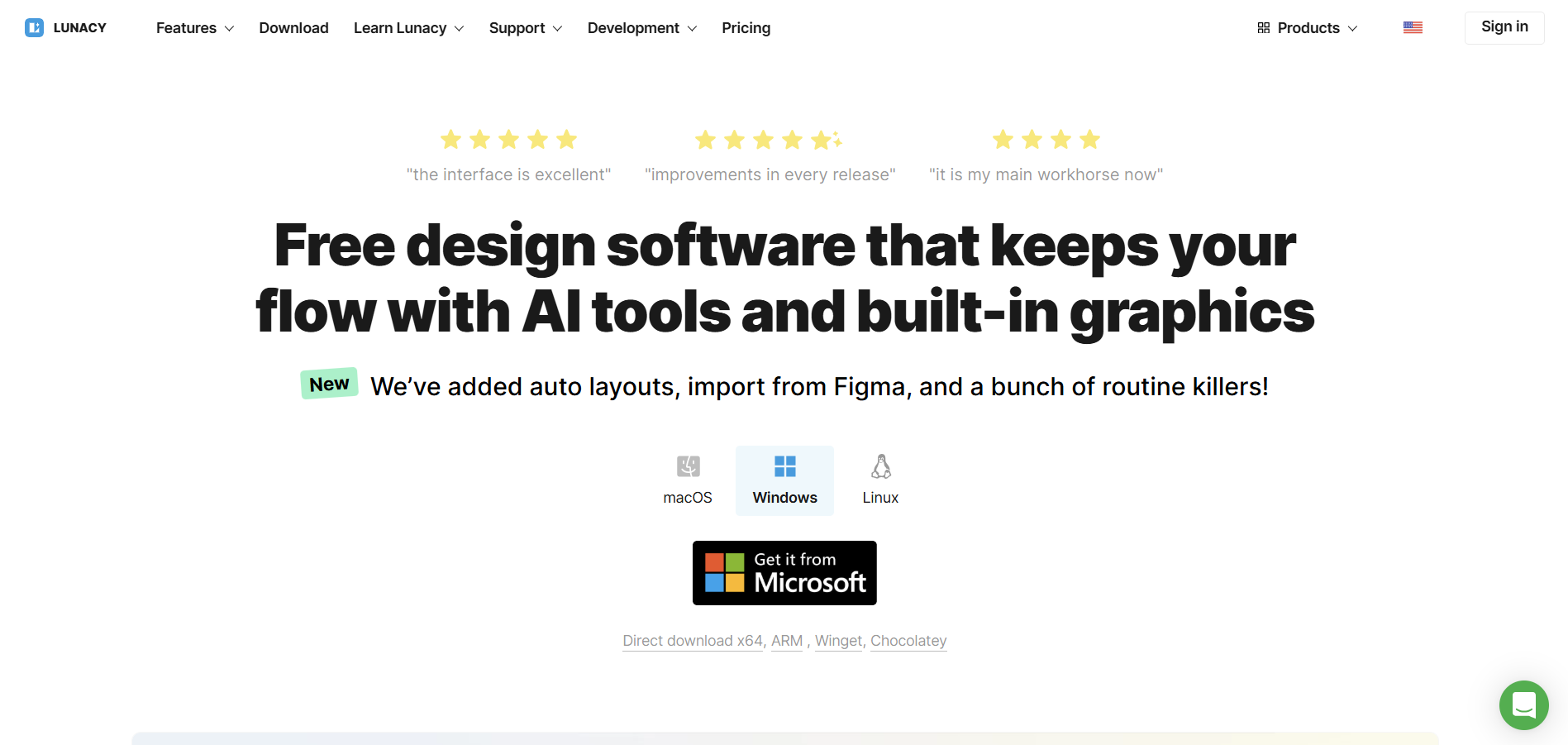
Lunacy is a free, Windows-based design tool developed by Icons8. It is designed to provide a seamless experience for designers who prefer working on Windows but also need compatibility with design files from other platforms like Sketch.
Lunacy vs Figma
Lunacy and Figma both aim to provide powerful design tools, but Lunacy is tailored specifically for Windows users, offering many features supports a native desktop experience that Figma does not. While Figma is cloud-based and excels in real-time collaboration across different operating systems, Lunacy provides robust offline capabilities and compatibility with Sketch files, making it an excellent choice for Windows-based teams or designers who need to work without an internet connection.
Key Features of Lunacy
Native Windows Application: Optimized for performance on Windows platforms.
Sketch File Compatibility: Open, edit, and save Sketch files without needing a Mac.
Vector Editing Tools: Create precise and scalable vector graphics.
Asset Libraries: Access a wide range of design assets, including icons and illustrations.
Collaboration Features: Share designs and collaborate with team members in real-time.
Lunacy Pros
Free to use with no hidden costs.
Native support for Windows, providing better performance on Windows devices.
Seamless compatibility with Sketch files, facilitating cross-platform collaboration.
Extensive library of built-in design assets.
User-friendly interface with a minimal learning curve.
Lunacy Cons
Limited advanced prototyping features compared to Figma.
Smaller community and fewer third-party plugins.
Occasional compatibility issues with complex Sketch files.
Limited offline collaboration features.
Fewer integrations with other design tools and platforms.
Lunacy Pricing
Lunacy is completely free to use, providing all features at no cost.
6. Axure
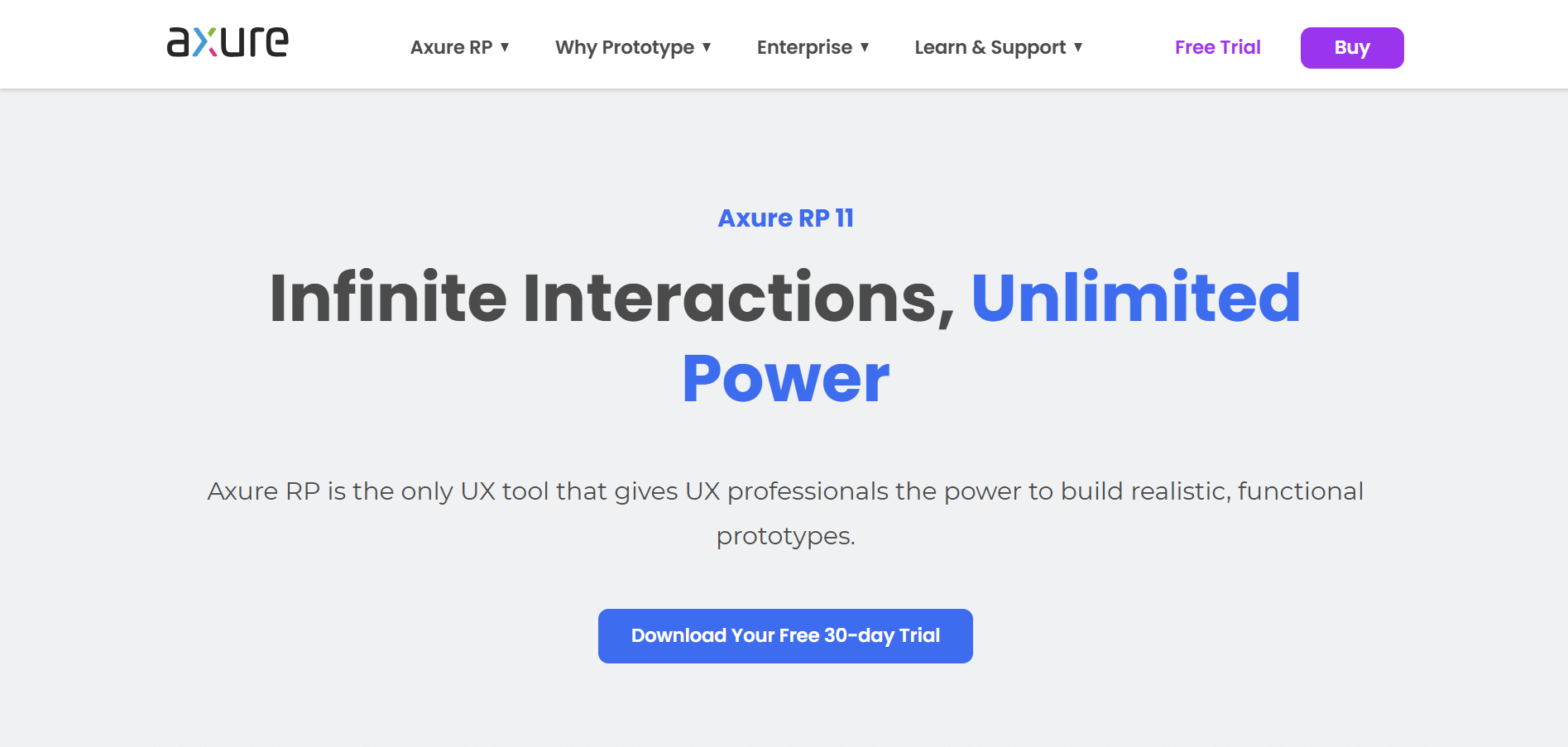
Axure is a comprehensive tool for wireframing, prototyping user testing, and documenting applications. It is widely used by UX professionals for creating detailed and interactive prototypes that can simulate complex interactions and data-driven applications.
Axure vs Figma
Axure and Figma both serve the UI/UX design community, but they cater to different needs. While Figma is excellent for collaborative design and real-time prototyping, Axure is renowned for its ability to create highly detailed and interactive prototypes, including dynamic content and conditional logic. Axure is ideal for projects that require intricate interactions and data-driven elements, whereas Figma excels in collaborative design and ease of use for creating interactive prototypes.
Key Features of Axure
Advanced Prototyping: Create interactive prototypes with dynamic content and conditional logic.
Wireframing Tools: Design detailed wireframes to plan application structures.
Documentation Features: Generate comprehensive documentation for design specifications.
Team Collaboration: Collaborate with team members through shared workspaces and version control.
Reusable Components: Create and manage reusable design elements for consistency across projects.
Axure Pros
Powerful tools for creating detailed and interactive prototypes.
Supports dynamic content and conditional logic for realistic simulations.
Comprehensive documentation features for design specifications.
Strong version control and team collaboration capabilities.
Highly customizable with a wide range of design widgets and components.
Axure Cons
Steeper learning curve compared to more intuitive design tools like Figma.
Higher pricing tiers may be expensive for individual designers or small teams.
Interface can feel cluttered and overwhelming for new users.
Limited real-time collaboration features compared to Figma.
Requires more time to create and manage complex prototypes.
Axure Pricing
Axure RP pricing begins at $29/user/month for the Pro version. Team and Enterprise plans are available at $49 and $99/user/month, respectively, and a 30-day free trial is also offered.
FAQs On Figma Alternatives
1. What are the top alternatives to Figma?
The top alternatives to Figma include Sketch, Adobe XD, InVision Studio, Framer, Lunacy, and Axure. These tools offer a range of features suitable for UI/UX design, prototyping, and collaboration, catering to different user needs and preferences.
2. Why should I consider using an alternative to Figma?
Alternatives to Figma may offer unique features such as advanced prototyping capabilities, more design specs better integration with existing toolsets, cost-effectiveness, specialized design functionalities, or offline capabilities. Exploring these options helps you find a tool that best fits your specific design requirements, workflow preferences, and budget constraints.
3. Are Figma alternatives free to use?
Many Figma alternatives offer free versions with limited features, allowing users to explore the tools before committing to a paid plan. For example, Lunacy is completely free, while Adobe XD, InVision Studio, and Framer offer free tiers with basic functionalities. Most alternatives also provide premium plans that unlock additional features, templates, and collaboration tools.
4. Which Figma alternative is best for collaboration?
Adobe XD, InVision Studio, and Framer are excellent alternatives for teams that prioritize collaboration. Adobe XD offers extensive collaboration features through Adobe Creative Cloud and allows teams to import figma files for enhanced workflow. InVision Studio provides robust collaboration tools integrated with other InVision products, also supporting ui design seamlessly. Framer supports real-time collaboration and feedback, making it a top choice for ui design projects that involve multiple stakeholders. These tools facilitate seamless teamwork and collaborative interface design and communication among designers and stakeholders.
5. Can I use Figma alternatives for professional projects?
Yes, many Figma alternatives like Sketch, Adobe XD, Axure, and Framer offer professional-grade features suitable for high-quality UI/UX design and prototyping. These tools provide advanced design capabilities, extensive customization options, and support for creating detailed and interactive prototypes, making them suitable for professional projects and enterprise-level work.
Conclusion
Exploring Figma alternatives can provide designers and teams with a variety of tools tailored to specific needs and preferences. Whether you require advanced prototyping capabilities, seamless integration with other software, cost-effective solutions, or robust collaboration features, the alternatives listed above offer comprehensive options to enhance your design workflow. By evaluating the features, pros, cons, and pricing of each alternative, you can choose the tool that best aligns with your design goals and team dynamics, ensuring a more efficient and effective design process.