Best Mailchimp Alternatives
The top seven alternatives to Mailchimp are:
Constant Contact
Brevo
GetResponse
ActiveCampaign
ConvertKit
MailerLite
AWeber
Email marketing continues to be one of the most effective ways to reach and engage with customers. Choosing the right marketing automation platform is crucial for the success of your campaigns. While Mailchimp has been a go-to solution for many businesses, it's not always the perfect fit for everyone. Whether due to pricing, features like web push notifications or drag and drop email builders, you might be looking for a great Mailchimp alternative that better suits your specific needs, especially one with advanced marketing automation.
In this comprehensive guide, we'll explore the best Mailchimp alternatives, delving into their marketing automation features, pros and cons, pricing, and what makes them stand out.
Whether you're a small business owner, a professional marketer, a content creator, or an entrepreneur, these Mailchimp alternatives offer a variety of features and pricing options to help you connect with your audience more effectively. Let's dive in to find the perfect email marketing solution for your business.
Why You Need Alternatives to Mailchimp?
While Mailchimp has been a dominant player in the email marketing space, it may not align perfectly with every business's needs. Here are some reasons why you might consider looking for Mailchimp alternatives:
Limitations in Features
Mailchimp, while robust, may lack certain advanced features that growing businesses require. For instance, some users find Mailchimp's automation capabilities limited compared to other platforms. If you need complex automation workflows, advanced segmentation, or more in-depth analytics, exploring alternatives could be beneficial.
Pricing Concerns
Mailchimp's pricing model can become expensive as your subscriber list grows. For businesses on a tight budget or those experiencing rapid growth, the escalating costs can be a significant concern. Some alternatives offer more competitive pricing structures, including unlimited contacts or more generous free plans.
User Interface and Ease of Use
The user experience is critical when it comes to managing your email marketing campaigns. Some users find Mailchimp's interface to be cluttered or not as intuitive as they would like. Alternatives may offer cleaner, more user-friendly interfaces that streamline the process of creating and managing campaigns.
Customer Support
Having reliable customer support is essential, especially when technical issues arise. Mailchimp's customer support has been criticized for being less accessible, particularly for users on lower-tier plans. Alternatives often provide more comprehensive support options, including live chat, phone support, and dedicated account managers.
Specialized Needs
If your business requires specific features like event management, webinar hosting, or transactional emails, you might find that Mailchimp doesn't fully cater to these needs. Exploring alternatives that specialize in these areas can provide a more tailored solution.
Who Should Consider Using Mailchimp Alternatives?
Not all businesses will find Mailchimp to be the optimal choice for their email marketing efforts. Here are some groups who might benefit from considering alternatives:
Small Business Owners on a Budget
For small businesses and startups with limited marketing budgets, Mailchimp's costs can quickly add up. Platforms like MailerLite and Brevo offer affordable plans with generous features, making them suitable for businesses that need to watch their expenses without compromising on functionality.
Professional Marketers Needing Advanced Automation
If you're a marketer who requires sophisticated automation capabilities, ActiveCampaign and GetResponse provide advanced tools that go beyond what Mailchimp offers. These platforms allow for complex customer journey mapping, behavioral triggers, and in-depth segmentation, enabling more personalized and effective marketing campaigns.
Content Creators, Bloggers, and Influencers
Mailchimp might not offer the specialized tools that content creators need to grow and engage their audience. ConvertKit is designed specifically for creators, offering features like customizable opt-in forms, landing pages, and tagging systems to nurture subscribers based on their interests and actions.
E-commerce Businesses
E-commerce businesses often require integrations with shopping platforms, abandoned cart emails, and transactional messaging. While Mailchimp does offer some e-commerce features, alternatives like GetResponse and Brevo may provide more robust solutions tailored to online retailers.
Businesses Requiring Multi-Channel Marketing
If your marketing strategy includes channels beyond email, such as SMS, social media, or chat, platforms like Brevo (formerly SendinBlue) offer multi-channel marketing tools within a single platform, providing a more integrated approach.
Users Seeking Better Customer Support
Reliable customer support is crucial for resolving issues quickly and effectively. If you've found Mailchimp's support lacking, alternatives like Constant Contact and AWeber are known for their responsive and helpful customer service teams, offering various channels of support to assist users.
Understanding Your Email Marketing Needs
Before diving into the comparison of Mailchimp alternatives, it's essential to assess your specific needs and goals. Consider the following questions:
What is your budget for email marketing software?
How large is your subscriber list, and how fast is it growing?
Do you need advanced automation and segmentation features?
Is ease of use and a user-friendly interface important to you?
Do you require integration with specific platforms or tools?
How important is customer support and what level do you expect?
Do you need multi-channel marketing capabilities?
By identifying your priorities, you can better evaluate which platform aligns with your business objectives.
Mailchimp Alternatives Comparison Table
To provide a clear overview, here's a comparison table highlighting key features of the top Mailchimp alternatives. This will help you quickly identify which platforms may be the best fit for your needs.
| Feature | Constant Contact | Brevo | GetResponse | ActiveCampaign | ConvertKit | MailerLite | AWeber |
|---|---|---|---|---|---|---|---|
| Ease of Use | Easy | Very Easy | Moderate | Moderate | Easy | Very Easy | Easy |
| Pricing | Paid Plans | Free & Paid Plans | Free & Paid Plans | Paid Plans | Free & Paid Plans | Free & Paid Plans | Free & Paid Plans |
| Automation Features | Basic | Moderate | Advanced | Advanced | Moderate | Basic | Moderate |
| Best For | Event Marketing | Transactional Emails | Webinars | CRM Integration | Content Creators | Small Businesses | Email Deliverability |
| Customer Support | Excellent | Good | Good | Excellent | Moderate | Good | Good |
In-Depth Analysis of Mailchimp Alternatives
Now, let's delve deeper into each of these alternatives, exploring their features, benefits, drawbacks, and pricing structures to help you make an informed decision.
Constant Contact
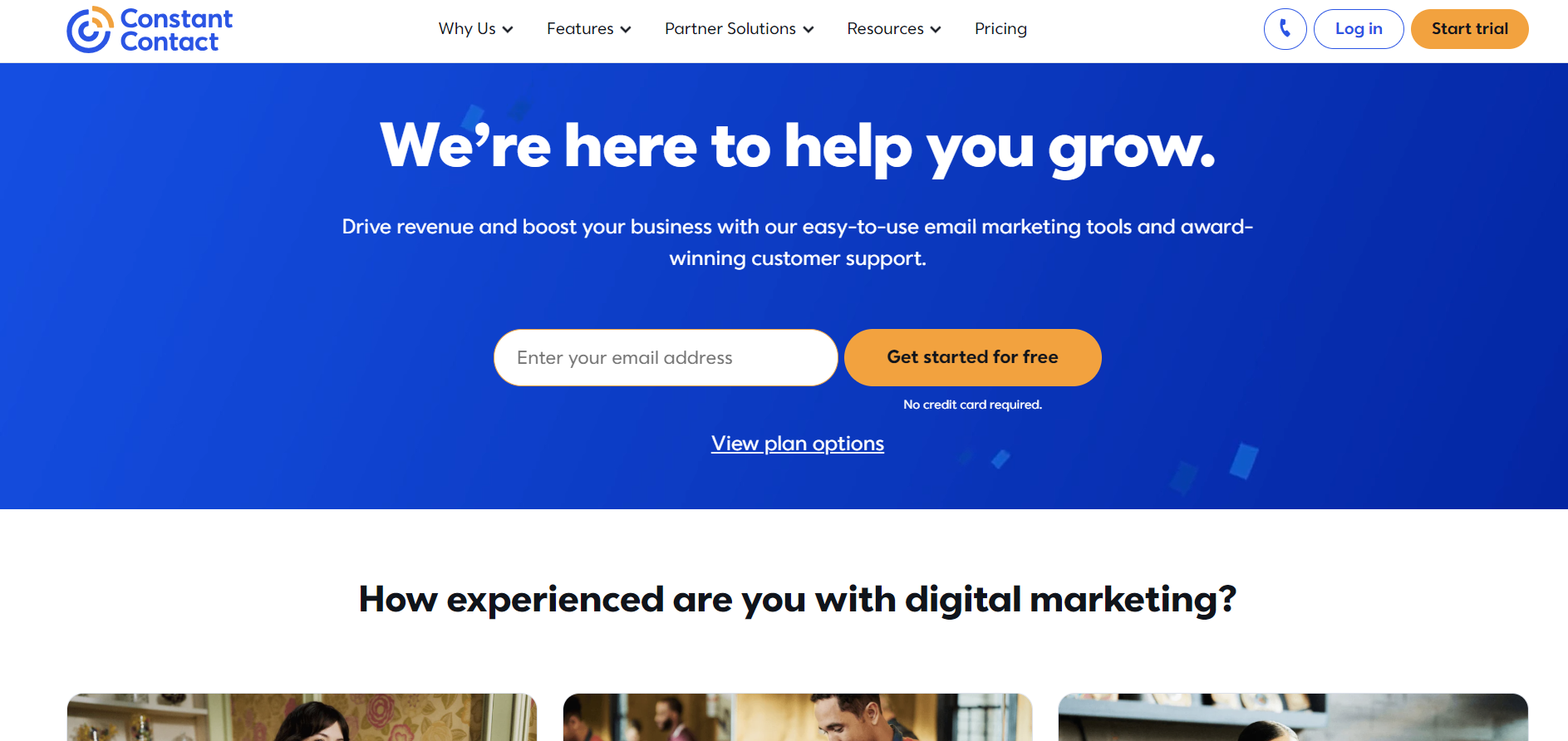
Constant Contact has been a leader in the email marketing industry for over 20 years. It caters to small businesses, nonprofits, and individuals looking for an easy-to-use platform with robust features. Constant Contact stands out for its comprehensive event marketing tools, extensive template library, and excellent customer support.
Constant Contact vs Mailchimp
When comparing Constant Contact to Mailchimp, several key differences emerge:
Event Marketing: Constant Contact offers built-in tools for event registration, ticketing, and promotions, which Mailchimp lacks. This makes it ideal for organizations that host events, webinars, or fundraisers.
User Interface: Constant Contact's interface is designed to be intuitive, with a drag-and-drop editor that simplifies the email creation process.
Customer Support: Constant Contact provides more accessible support, including live chat, phone support, and personalized coaching, whereas Mailchimp's support options can be limited depending on your plan.
Pricing: While both platforms offer tiered pricing, Constant Contact's plans might be slightly higher, but they include features that Mailchimp charges extra for, like event management.
Key Features of Constant Contact
Event Management Tools
Online Registration: Create registration forms and manage attendees directly within the platform.
Ticketing: Sell tickets for your events, track sales, and monitor attendance.
Promotional Tools: Utilize email templates and social media integrations to promote your events effectively.
Email Marketing Features
Template Library: Access hundreds of mobile-responsive templates designed for various industries and purposes.
Personalization: Customize emails with personalization tags to address subscribers by name or other attributes.
A/B Testing: Test different subject lines or content to optimize open rates and engagement.
Social Media Integration
Social Posting: Schedule and publish posts to your social media accounts directly from Constant Contact.
Social Monitoring: Track engagement and respond to comments on your social platforms.
Reporting and Analytics
Real-Time Tracking: Monitor email opens, clicks, bounces, and unsubscribes as they happen.
Engagement Metrics: Analyze subscriber behavior to refine your campaigns.
Contact Management
List Segmentation: Organize your contacts into lists based on demographics, behavior, or custom tags.
Growth Tools: Use sign-up forms and landing pages to grow your subscriber list.
Constant Contact Pros
User-Friendly Interface: Ideal for users with little to no technical experience.
Comprehensive Event Tools: A unique offering that simplifies event management.
Extensive Integrations: Connect with tools like Shopify, Salesforce, and WordPress.
Reliable Deliverability: Ensures your emails reach the inbox rather than spam folders.
Responsive Customer Support: Access to live assistance when you need it.
Constant Contact Cons
Pricing: Can be more expensive than some competitors, especially for larger lists.
Automation Limitations: Basic automation features compared to platforms like ActiveCampaign.
Limited Advanced Features: May lack some advanced segmentation and personalization options.
Who Should Use Constant Contact?
Small Businesses and Nonprofits: Those who need an easy-to-use platform with event management capabilities.
Event Organizers: Businesses that frequently host events, webinars, or fundraisers.
Users Prioritizing Support: Individuals who value accessible and responsive customer service.
Constant Contact Pricing
Constant Contact offers two main plans:
Email: Starting at $20 per month for up to 500 contacts. Includes unlimited emails, basic templates, and list management.
Email Plus: Starting at $45 per month for up to 500 contacts. Adds advanced features like event marketing, surveys, polls, and automation.
Prices increase based on the number of contacts. A free trial is available, allowing you to test the platform before committing.
Brevo
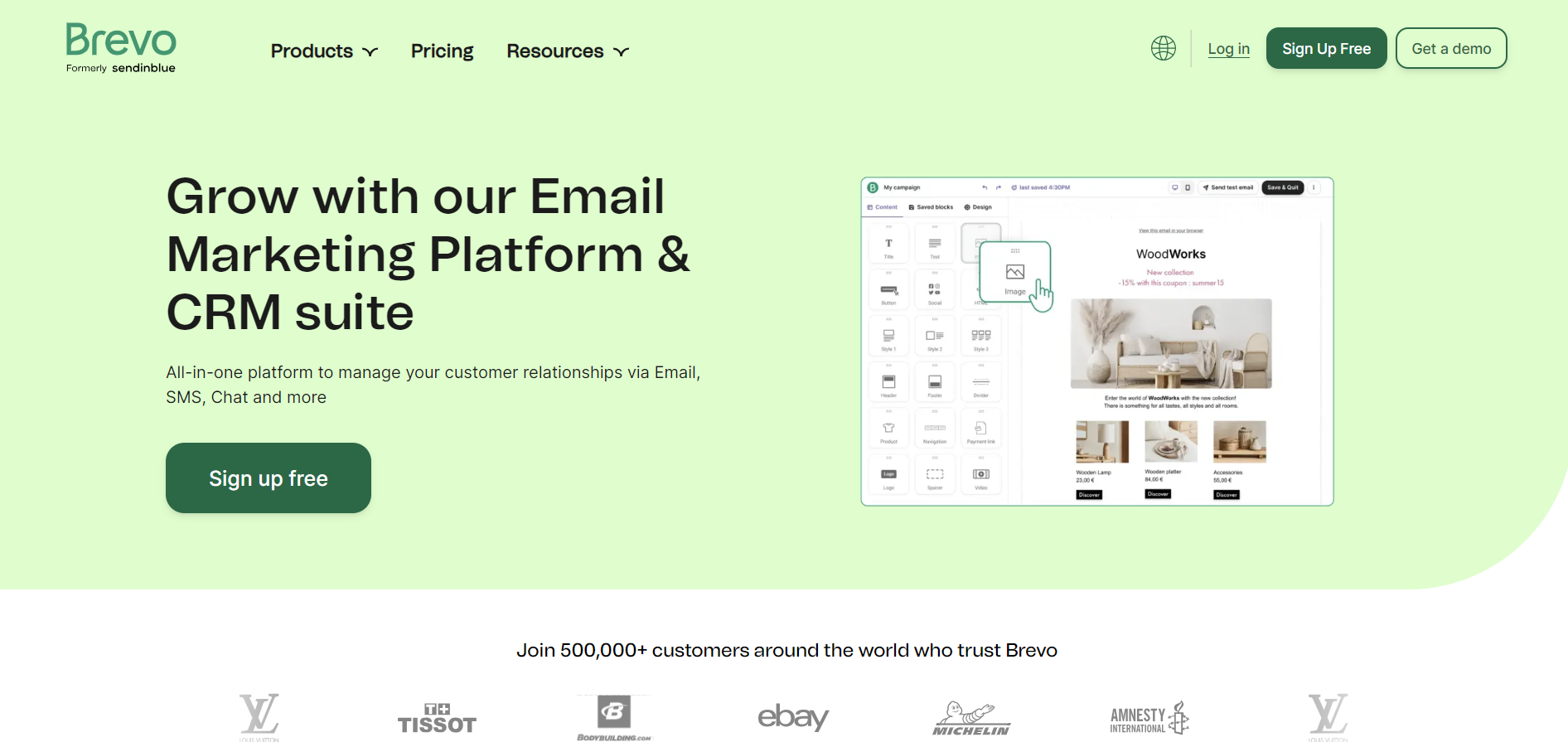
Brevo, formerly known as SendinBlue, is an all-in-one marketing platform that offers email marketing, SMS marketing, chat, CRM, and marketing automation. It's known for its affordable pricing and transactional email capabilities.
Brevo vs Mailchimp
Key differences between Brevo and Mailchimp include:
Pricing Model: Brevo charges based on the number of emails sent, not the number of contacts. This can be more cost-effective for businesses with large contact lists but send fewer emails.
Transactional Emails: Brevo offers robust transactional email services, which are emails triggered by user actions (e.g., password resets, order confirmations), a feature that Mailchimp offers at an additional cost.
SMS Marketing: Brevo provides integrated SMS marketing tools, allowing you to reach customers on their mobile devices.
Unlimited Contacts: All Brevo plans include unlimited contacts, removing concerns about list size affecting your costs.
Key Features of Brevo
Email Marketing
Drag-and-Drop Editor: Create professional emails without coding knowledge.
Responsive Templates: Choose from a variety of mobile-friendly designs.
Personalization: Customize emails based on subscriber data.
SMS Marketing
Global SMS Campaigns: Send text messages to subscribers worldwide.
Automation: Integrate SMS into your marketing workflows.
Marketing Automation
Workflow Editor: Visualize and build complex automation sequences.
Behavioral Targeting: Trigger actions based on user behavior on your website or emails.
Lead Scoring: Prioritize leads based on engagement levels.
CRM Integration
Contact Management: Keep track of customer interactions and notes.
Segmentation: Organize contacts for targeted campaigns.
Deal Pipeline: Manage sales processes within the platform.
Transactional Emails
SMTP Relay: Ensure reliable delivery of transactional emails.
Real-Time Monitoring: Track deliverability and engagement metrics.
Brevo Pros
Affordable Pricing: Competitive rates, especially for high-volume senders.
Unlimited Contacts: No additional cost for growing your subscriber list.
Multi-Channel Marketing: Combine email, SMS, and chat for a cohesive strategy.
Strong Deliverability: Focused on ensuring emails reach the inbox.
GDPR Compliance: Robust features to help comply with data protection regulations.
Brevo Cons
Template Selection: Fewer templates compared to competitors like Mailchimp.
Learning Curve: Advanced features may require time to master.
Support Response Time: Customer support can be slower during peak times.
Who Should Use Brevo?
Businesses on a Budget: Those seeking cost-effective email marketing solutions.
High-Volume Senders: Companies that send a large number of emails.
Transactional Email Users: Businesses needing reliable transactional email services.
Multi-Channel Marketers: Organizations wanting to integrate SMS and chat into their strategy.
Brevo Pricing
Brevo offers several pricing plans:
Free: Unlimited contacts, up to 300 emails per day, basic features.
Lite: Starting at $25 per month for 10,000 emails per month, removes daily sending limit.
Premium: Starting at $65 per month, includes marketing automation, landing pages, and multi-user access.
Enterprise: Custom pricing with dedicated account management and priority support.
Additional SMS credits can be purchased separately, and transactional email services are included.
GetResponse
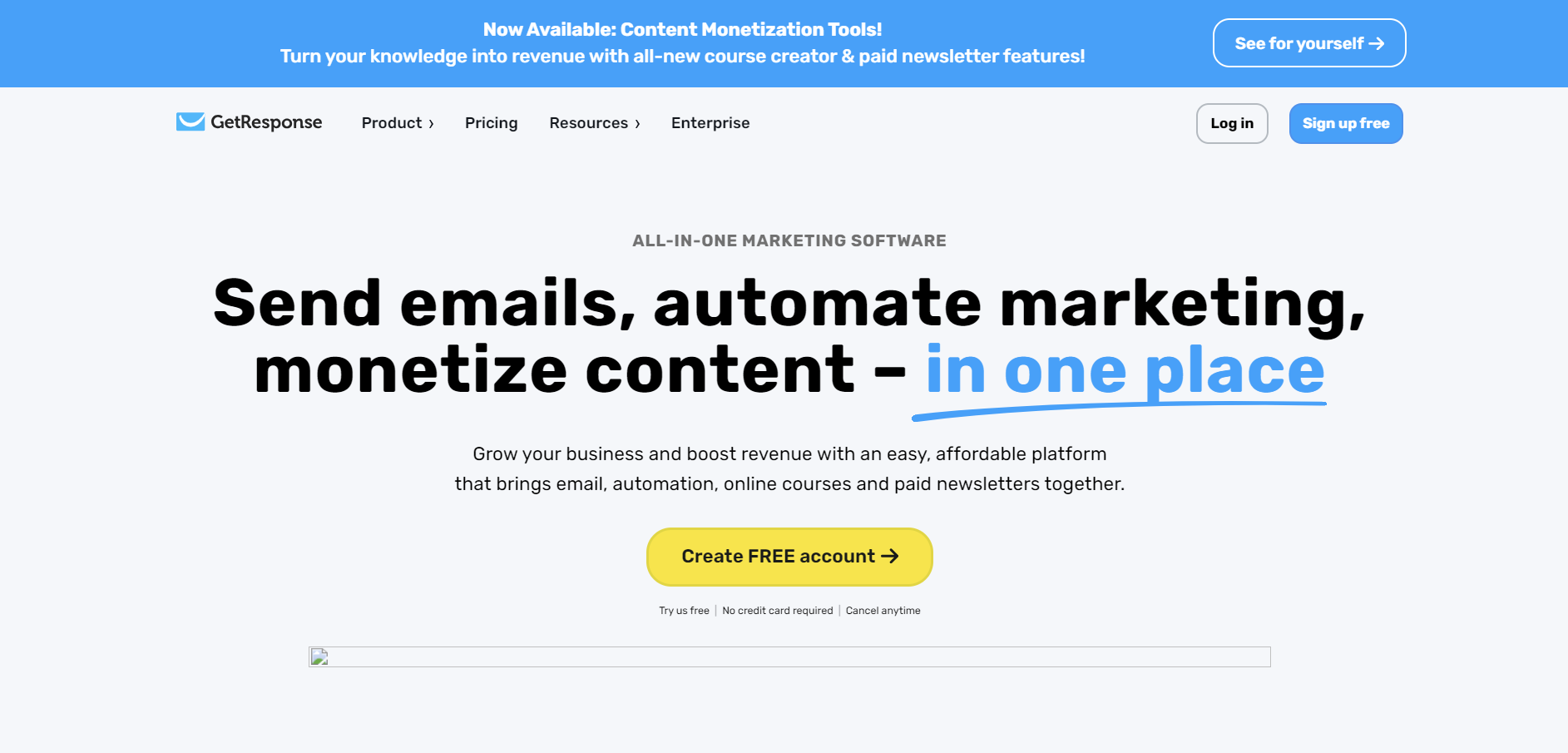
GetResponse is a comprehensive marketing platform offering email marketing, webinars, landing pages, and marketing automation. It's designed to help businesses grow their audience and engage customers effectively.
GetResponse vs Mailchimp
GetResponse differentiates itself with its webinar marketing capabilities and advanced automation features. Unlike Mailchimp, GetResponse allows you to host webinars directly within the platform, making it ideal for businesses that rely on webinars for lead generation.
Key Features of GetResponse
Email Marketing
Responsive Email Design: Create emails that look great on any device.
Perfect Timing: Send emails at the optimal time for each subscriber.
Email Analytics: Detailed reports on open rates, clicks, and conversions.
Marketing Automation
Visual Workflow Builder: Design automation sequences with drag-and-drop ease.
Abandoned Cart Recovery: Automatically follow up with customers who leave items in their cart.
Tagging and Scoring: Segment your audience based on actions and engagement.
Webinars
Integrated Webinar Platform: Host live or on-demand webinars.
Interactive Features: Use polls, chats, and Q&A sessions to engage attendees.
Follow-Up Automation: Send automated emails to webinar registrants and attendees.
Landing Pages
Landing Page Creator: Build high-converting pages with customizable templates.
A/B Testing: Optimize pages through split testing different elements.
SEO Tools: Enhance visibility with built-in SEO features.
Conversion Funnels
Sales Funnels: Guide customers from awareness to purchase.
E-commerce Integration: Connect with platforms like Shopify and Magento.
Payment Gateways: Accept payments through PayPal, Stripe, and more.
GetResponse Pros
All-in-One Solution: Consolidate multiple marketing tools into one platform.
Advanced Automation: Personalize customer journeys with precision.
Webinar Integration: Engage audiences with live events.
Scalable Plans: Suitable for businesses of all sizes.
Global Reach: Multilingual support and international deliverability.
GetResponse Cons
Complex Interface: May be overwhelming for beginners.
Limited Features in Basic Plan: Some advanced tools require higher-tier plans.
Additional Costs: Features like webinars may increase the price.
Who Should Use GetResponse?
Marketers Needing Advanced Automation: Those who require complex workflows.
Businesses Hosting Webinars: Companies that rely on webinars for lead generation.
E-commerce Businesses: Online retailers looking to build sales funnels.
International Businesses: Organizations operating in multiple countries.
GetResponse Pricing
GetResponse offers four main plans:
Basic: Starting at $15 per month for up to 1,000 contacts. Includes email marketing and basic automation.
Plus: Starting at $49 per month. Adds automation builder, webinars (up to 100 attendees), and CRM.
Professional: Starting at $99 per month. Includes unlimited automation, webinars (up to 300 attendees), and paid webinars.
Max: Custom pricing with advanced features, dedicated support, and transactional emails.
Prices scale based on the number of contacts.
ActiveCampaign
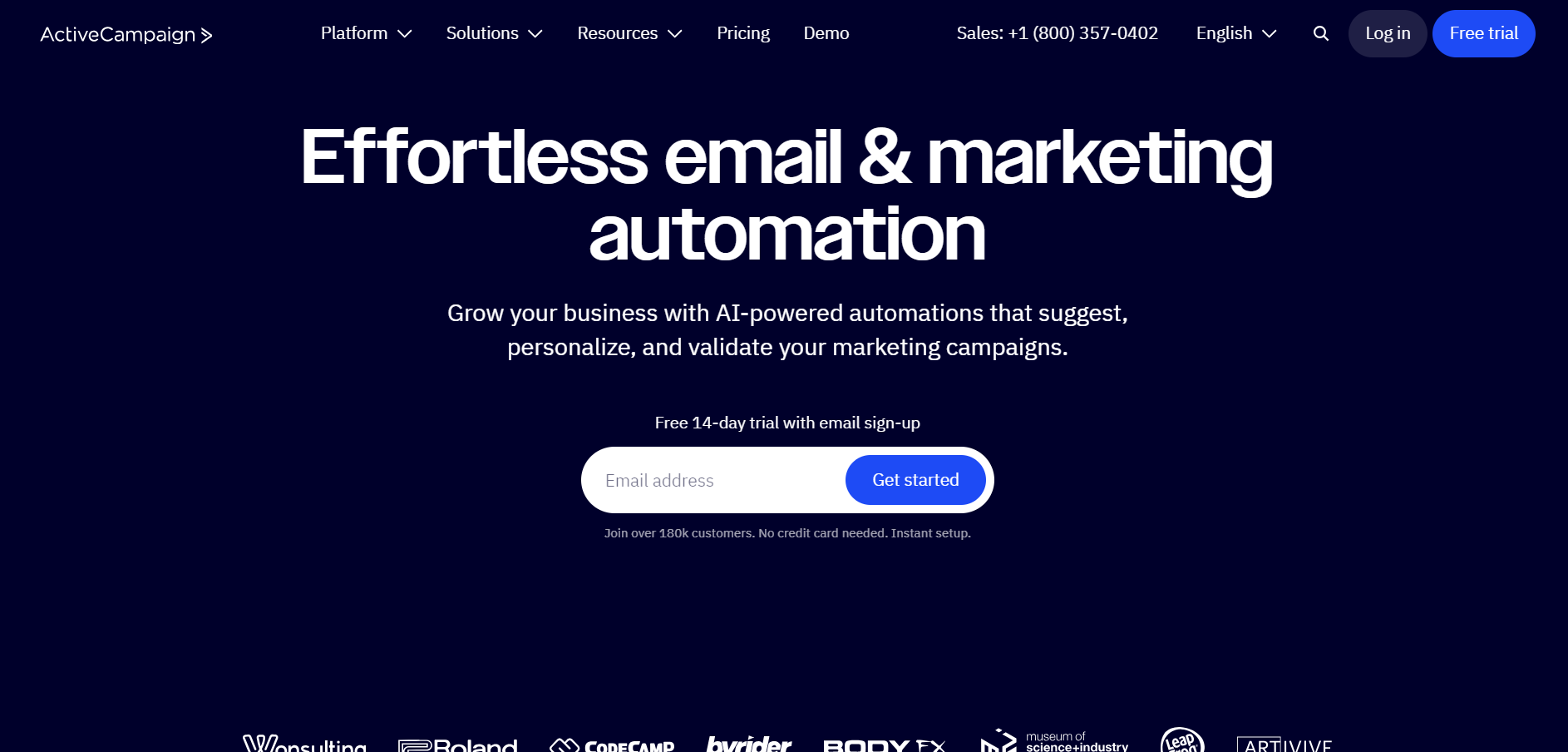
ActiveCampaign is a powerful marketing automation and CRM platform designed for businesses that require advanced email marketing, automation, and sales integration. It focuses on customer experience automation to deliver personalized messaging at scale.
ActiveCampaign vs Mailchimp
Key differences between ActiveCampaign and Mailchimp include:
Advanced Automation: ActiveCampaign offers more sophisticated automation capabilities with a visual builder and extensive triggers.
Integrated CRM: ActiveCampaign includes a built-in CRM for sales and marketing alignment, whereas Mailchimp's CRM features are more limited.
Machine Learning: Utilizes predictive tools to optimize send times and content.
Behavioral Tracking: Offers site and event tracking to monitor customer interactions beyond email engagement.
Key Features of ActiveCampaign
Marketing Automation
Visual Automation Builder: Create complex workflows with ease.
Conditional Content: Personalize emails based on subscriber data.
Split Automation: Test different automation paths for optimization.
CRM and Sales Automation
Pipeline Management: Track deals and automate sales tasks.
Lead Scoring: Prioritize leads based on engagement and behavior.
Contact Management: Centralize customer information for better insights.
Email Marketing
Dynamic Content: Customize emails for different segments.
A/B Testing: Test subject lines, content, and send times.
Email Segmentation: Target specific groups with tailored messages.
Messaging and SMS
Site Messaging: Send targeted messages to website visitors.
SMS Marketing: Reach customers via text messages.
Chatbot Integration: Automate responses and engage users in real-time.
Machine Learning
Predictive Sending: Optimize email delivery times for individual subscribers.
Win Probability: Assess the likelihood of closing deals.
ActiveCampaign Pros
Sophisticated Automation: Ideal for complex marketing strategies.
Integrated CRM: Aligns marketing and sales efforts.
Personalization: Advanced tools for tailored customer experiences.
Excellent Deliverability: High rates of emails reaching inboxes.
Comprehensive Support: Offers extensive resources and assistance.
ActiveCampaign Cons
Steeper Learning Curve: May be challenging for beginners.
Higher Cost: More expensive than some alternatives, especially at higher tiers.
Template Limitations: Fewer email templates compared to some competitors.
Who Should Use ActiveCampaign?
Professional Marketers: Those requiring advanced automation and CRM integration.
Medium to Large Businesses: Organizations with complex sales processes.
Data-Driven Teams: Businesses that rely on analytics and machine learning.
ActiveCampaign Pricing
ActiveCampaign offers four pricing tiers:
Lite: Starting at $9 per month for 500 contacts. Includes basic email marketing and automation.
Plus: Starting at $49 per month. Adds CRM, lead scoring, and SMS marketing.
Professional: Starting at $129 per month. Includes site messaging, predictive content, and attribution.
Enterprise: Custom pricing with dedicated support, custom reporting, and HIPAA support.
Prices increase based on the number of contacts.
ConvertKit

ConvertKit is an email marketing platform specifically designed for content creators, bloggers, podcasters, and online course creators. It focuses on building relationships with your audience through simple yet effective email marketing tools.
ConvertKit vs Mailchimp
Comparing ConvertKit to Mailchimp reveals several key differences:
Designed for Creators: ConvertKit offers features tailored to the needs of creators, such as easy content upgrades and customizable opt-in forms.
Simplicity: Emphasizes a clean and straightforward interface, reducing the learning curve.
Tag-Based System: Uses tags instead of lists to manage subscribers, preventing duplicate contacts and simplifying segmentation.
Landing Pages: Provides customizable landing page templates to grow your audience.
Key Features of ConvertKit
Email Marketing
Broadcast Emails: Send one-time emails to your subscribers.
Automated Sequences: Create drip campaigns to nurture leads.
Email Designer: Focused on content over design, with simple text-based emails.
Automation
Visual Automation Builder: Set up funnels with triggers, actions, and conditions.
Tagging and Segmentation: Organize subscribers based on interests and behaviors.
Integrations: Connect with tools like WordPress, Shopify, and Teachable.
Landing Pages and Forms
Customizable Templates: Create forms and landing pages without coding.
Incentive Emails: Automatically deliver lead magnets upon sign-up.
Analytics: Track conversions and subscriber growth.
Commerce Tools
Sell Digital Products: Offer e-books, courses, or subscriptions directly through ConvertKit.
Payment Integration: Accept payments via Stripe.
ConvertKit Pros
User-Friendly Interface: Easy to navigate, ideal for non-technical users.
Tailored for Creators: Features that support content creation and audience building.
Effective Automation: Simplifies the process of nurturing leads.
Community Support: Access to resources and a network of creators.
ConvertKit Cons
Limited Design Options: Fewer customization options for email templates.
Pricing: Can be expensive as your subscriber list grows.
Basic Reporting: Lacks advanced analytics found in other platforms.
Who Should Use ConvertKit?
Content Creators: Bloggers, podcasters, and YouTubers focusing on audience engagement.
Digital Product Sellers: Individuals selling courses or e-books.
Users Seeking Simplicity: Those who prefer straightforward tools without unnecessary complexity.
ConvertKit Pricing
ConvertKit offers:
Free Plan: For up to 1,000 subscribers, includes unlimited landing pages and forms, limited email sending.
Creator Plan: Starting at $29 per month, adds automation and integrations.
Creator Pro: Starting at $59 per month, includes advanced reporting, Facebook custom audiences, and priority support.
Prices scale with the number of subscribers.
MailerLite
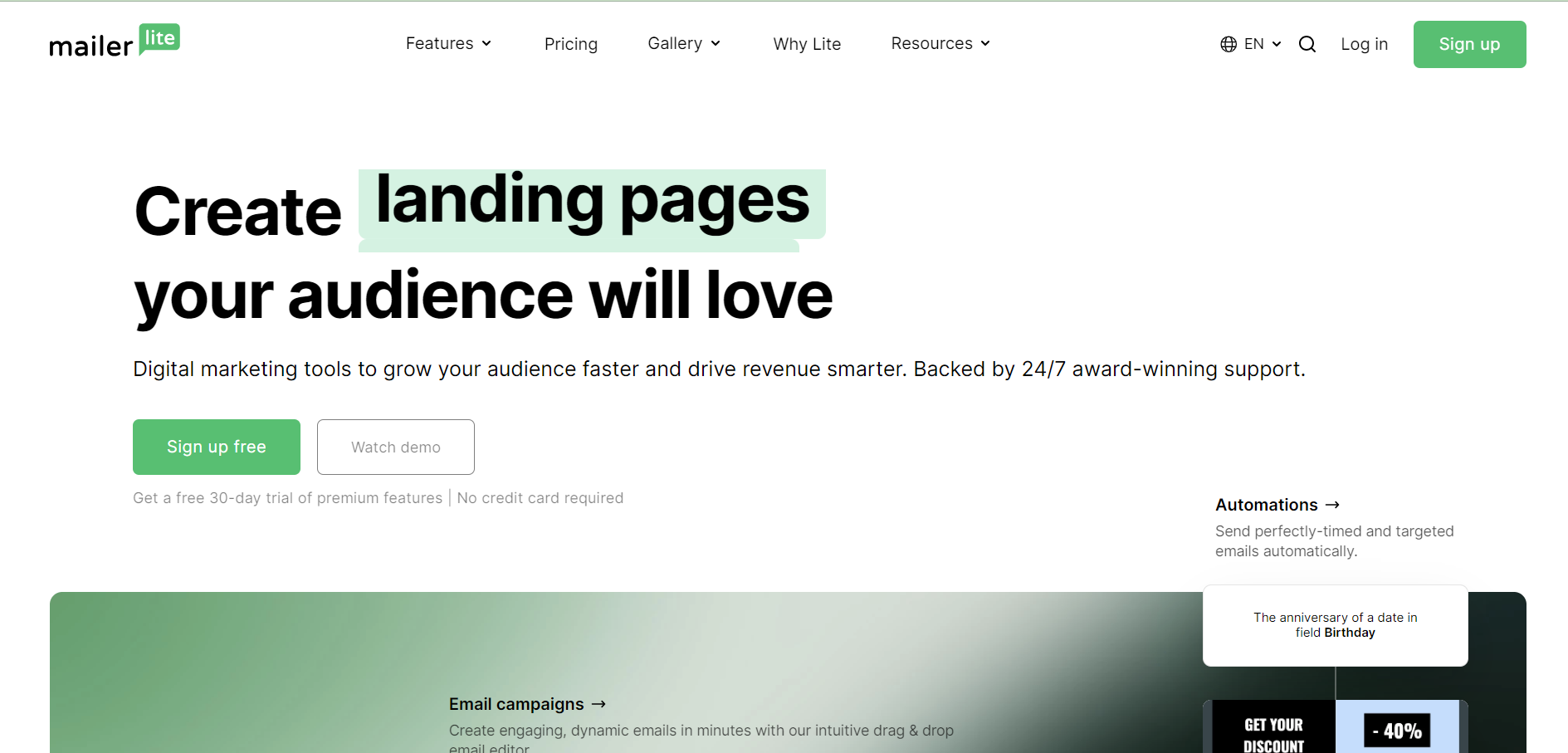
MailerLite is an email marketing service known for its simplicity, affordability, and generous free plan. It provides essential features without overwhelming users, making it a popular choice for small businesses and startups.
MailerLite vs Mailchimp
MailerLite differs from Mailchimp in several ways:
Simplified Interface: Focuses on ease of use, with a clean and intuitive design.
Generous Free Plan: Offers more features in its free plan compared to Mailchimp, including automation and landing pages.
Affordability: Lower pricing tiers make it accessible for businesses on a tight budget.
Customer Support: Provides 24/7 email support even on the free plan.
Key Features of MailerLite
Email Campaigns
Drag-and-Drop Editor: Create emails without technical skills.
Rich Text Editor: For those who prefer simple text emails.
Template Gallery: Access to a variety of pre-designed templates.
Automation
Workflow Builder: Set up automated email sequences.
Triggers and Delays: Customize when and how emails are sent.
Personalization: Use dynamic content to tailor messages.
Landing Pages and Forms
Landing Page Builder: Create pages to capture leads.
Embedded Forms: Place sign-up forms on your website.
Pop-Ups: Use timed or exit-intent pop-ups to grow your list.
Reporting
Campaign Reports: View open rates, clicks, and subscriber activity.
Heatmaps: Visualize where subscribers click within your emails.
A/B Testing: Test different subject lines or content.
MailerLite Pros
Affordable Pricing: Cost-effective plans for small businesses.
User-Friendly: Easy for beginners to navigate.
Generous Free Plan: Access to key features without cost.
Good Deliverability: Ensures your emails reach the inbox.
MailerLite Cons
Limited Advanced Features: May lack the sophistication needed by larger businesses.
Basic Templates: Less variety compared to some competitors.
Fewer Integrations: Limited connections with third-party tools.
Who Should Use MailerLite?
Small Businesses and Startups: Those needing essential features at a low cost.
Beginners: Users new to email marketing.
Budget-Conscious Marketers: Individuals looking for a free or affordable solution.
MailerLite Pricing
MailerLite offers:
Free Plan: Up to 1,000 subscribers and 12,000 emails per month.
Paid Plans: Starting at $10 per month for unlimited emails and additional features.
Prices increase based on the number of subscribers.
AWeber
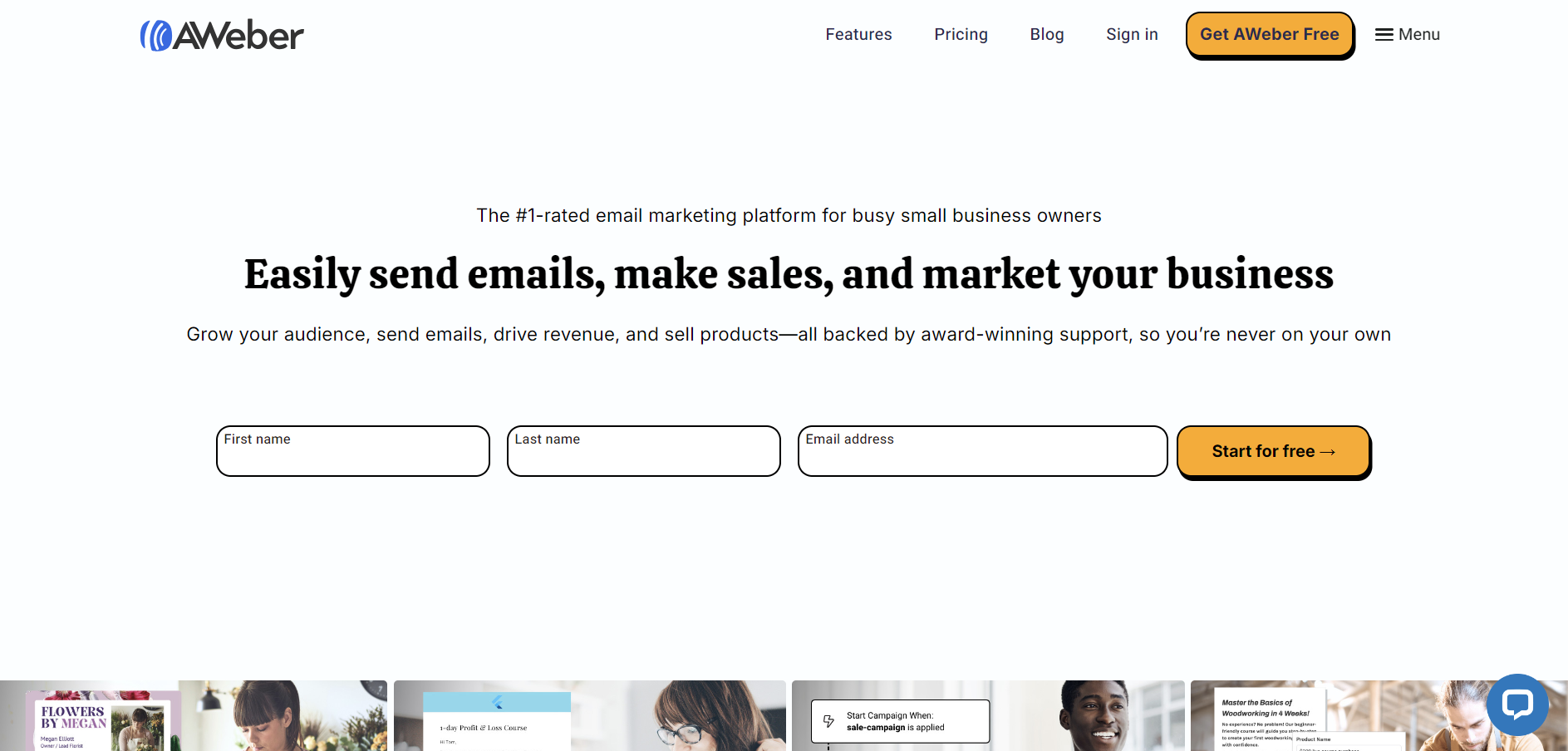
AWeber is one of the original email marketing services, established in 1998. It focuses on simplicity and reliable email deliverability, offering a range of tools for small businesses and entrepreneurs.
AWeber vs Mailchimp
Key differences between AWeber and Mailchimp include:
Customer Support: AWeber offers 24/7 support via phone, email, and live chat, providing more immediate assistance than Mailchimp.
Unlimited Emails: All plans include unlimited email sending, regardless of list size.
Legacy Provider: With a long history, AWeber has established deliverability and trust.
Key Features of AWeber
Email Marketing
Drag-and-Drop Editor: Easily create professional emails.
Email Templates: Access over 700 templates.
Automation: Set up autoresponders and follow-up sequences.
List Management
Segmentation: Organize subscribers based on behavior or demographics.
Sign-Up Forms: Create forms to grow your list.
Subscriber Insights: View detailed information about your audience.
Integrations
Third-Party Apps: Connect with WordPress, PayPal, Shopify, and more.
API Access: For custom integrations.
Reporting
Analytics Dashboard: Monitor opens, clicks, and sales.
Split Testing: Test different elements to optimize performance.
AWeber Pros
Reliable Deliverability: Ensures your messages reach subscribers.
Strong Customer Support: Available 24/7 through multiple channels.
Unlimited Emails: No restrictions on the number of emails sent.
Ease of Use: Straightforward interface suitable for beginners.
AWeber Cons
Outdated Interface: Design may feel less modern compared to competitors.
Basic Automation: Lacks advanced automation features.
Pricing: Can be more expensive for larger lists.
Who Should Use AWeber?
Small Business Owners: Those who need reliable email marketing without advanced features.
Users Valuing Support: Individuals who prefer immediate assistance.
Entrepreneurs: Looking for a straightforward solution.
AWeber Pricing
AWeber offers:
Free Plan: Up to 500 subscribers, limited features.
Pro Plan: Starting at $19 per month, includes all features and unlimited emails.
Prices scale based on the number of subscribers.
Additional Features to Consider When Choosing an Email Marketing Platform
When evaluating email marketing platforms, consider the following additional features that might impact your decision:
Integration Capabilities
Third-Party Integrations: Ensure the platform connects with your existing tools like CRM systems, e-commerce platforms, and CMS.
API Access: For custom integrations or advanced functionalities.
Deliverability Rates
Reputation Management: Platforms that monitor sender reputation can help improve deliverability.
Authentication Protocols: Support for SPF, DKIM, and DMARC to authenticate your emails.
Compliance and Security
GDPR and CAN-SPAM Compliance: Tools to help adhere to data protection laws.
Data Encryption: Protect subscriber information with secure data practices.
Customization and Design
Template Flexibility: Ability to customize templates to match your brand.
HTML Editing: For advanced users who want more control over design.
Scalability
Growth Accommodations: The platform should support your business as it grows.
Feature Expansion: Access to more advanced tools as your needs evolve.
User Access and Collaboration
Multi-User Support: Ability to have multiple team members access the account.
Permission Levels: Control over who can access certain features.
Training and Resources
Educational Materials: Access to webinars, tutorials, and guides.
Community Forums: Engage with other users to share tips and best practices.
How to Choose the Right Email Marketing Platform
Selecting the right platform involves careful consideration of your specific needs. Here's a step-by-step guide:
Assess Your Needs: Identify the essential features you require based on your marketing goals.
Set a Budget: Determine how much you're willing to spend, considering future growth.
Try Before You Buy: Utilize free trials or free plans to test the platforms.
Evaluate Ease of Use: Ensure the platform is user-friendly for you and your team.
Check Customer Support: Consider the level of support available and how accessible it is.
Read Reviews: Look for feedback from other users to gauge reliability and performance.
Consider Future Needs: Choose a platform that can scale with your business.
Conclusion
Email marketing remains a powerful tool for engaging with your audience, driving sales, and building lasting relationships. While Mailchimp is a popular choice, it's not the only marketing automation platform available. If you're looking for a Mailchimp alternative, the options discussed offer a variety of features, pricing models, and specializations that may better align with your business needs.
Whether you prioritize advanced automation, budget-friendly plans, ease of use, or specialized tools for content creators and e-commerce, there's a platform that's right for you. By carefully assessing your requirements and exploring these alternatives, you can find a solution that enhances your marketing efforts and supports your business growth.
FAQs On Mailchimp Alternatives
1. What are the top alternatives to Mailchimp?
The top alternatives to Mailchimp include Constant Contact, Brevo, GetResponse, ActiveCampaign, ConvertKit, MailerLite, and AWeber. These platforms offer various features catering to different marketing needs, from advanced automation to budget-friendly options.
2. Why should I consider using an alternative to Mailchimp?
You might consider an alternative if you're looking for specific features not offered by Mailchimp, more competitive pricing, better customer support, or a platform that better aligns with your business type (e.g., content creators, e-commerce). Exploring alternatives can provide a solution that fits your unique requirements.
3. Are Mailchimp alternatives free to use?
Many Mailchimp alternatives offer free plans or free trials. For example, MailerLite, Brevo, ConvertKit, and AWeber provide free versions with limited features. These free options allow you to test the platform before committing to a paid plan.
4. Which Mailchimp alternative is best for beginners?
MailerLite and ConvertKit are excellent choices for beginners due to their intuitive interfaces and straightforward features. They focus on simplicity without sacrificing essential functionality, making it easy for new users to create and manage email campaigns.
5. Can I use Mailchimp alternatives for professional projects?
Absolutely. Many alternatives like ActiveCampaign and GetResponse offer professional-grade features suitable for advanced marketing campaigns. They provide sophisticated automation, CRM integration, analytics tools, and more, making them ideal for professional marketers and businesses seeking robust solutions.